Account setup
To setup your account, follow these steps:
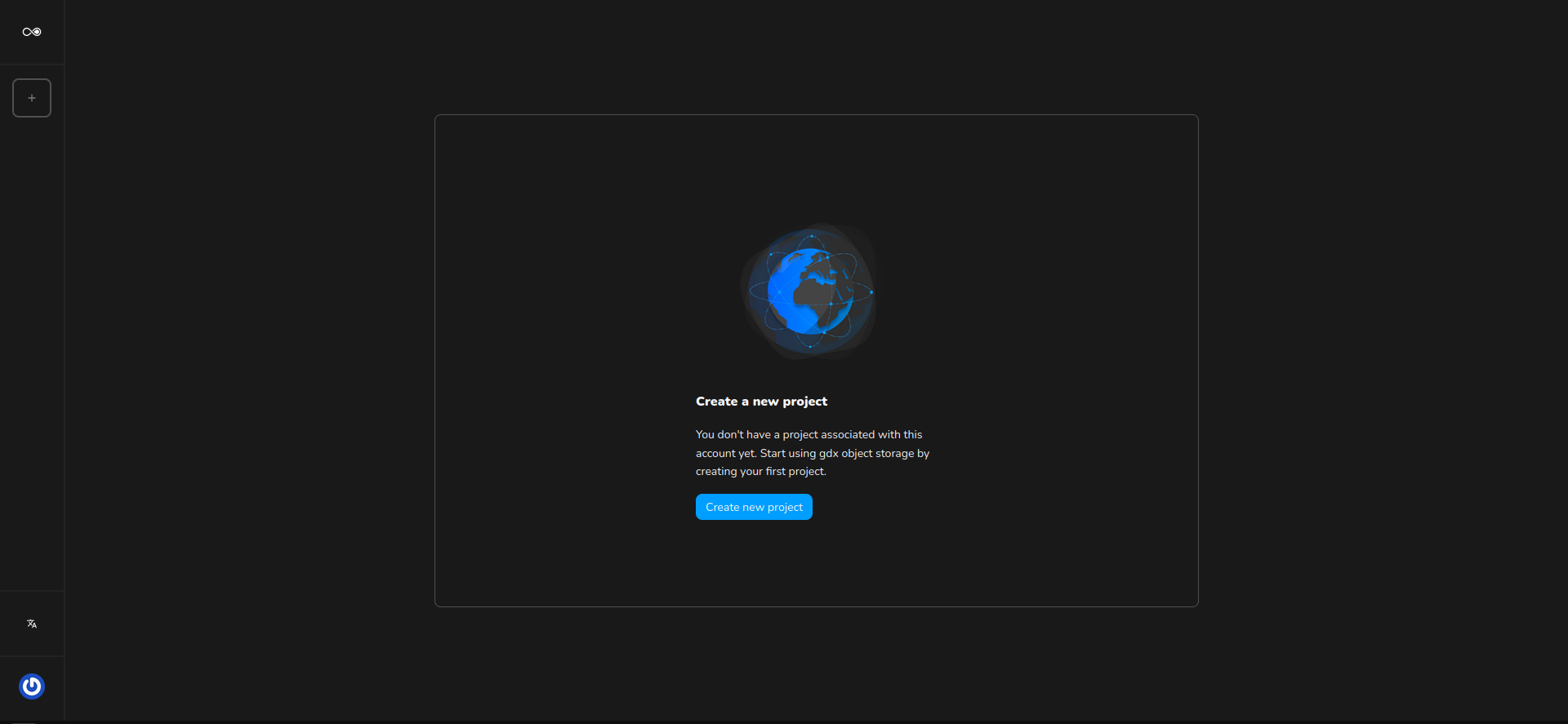
Access the GDX Cloud web console shown in the image below.
Fill in the form with your account information.
Agree to GDX Cloud’s Terms of Service and GDX Cloud’s Privacy Policy.
Enter a secure password for your GDX Cloud account.
Check your inbox and confirm your email by clicking the link you received via email.
If you already have an account, go to console.gdx.datnass.com/signin and create your first project.