API keys
Access keys are a pair of unique credentials that are used for authentication through the GDX Cloud S3-compatible API. This access key pair is required for connecting to GDX Cloud through third-party clients, CLI tools, or any other interaction using the GDX Cloud S3-compatible APIs.
This access key pair is required for connecting to GDX Cloud through third-party clients, CLI tools, or any other interaction using the GDX Cloud S3-compatible APIs.
If you haven’t created your first project yet, you can do it now.
Create API keys
Sign in with the GDX Cloud web console and select the project you would like to work on.
Navigate to the Access key menu item.

Click on the Create access key button.
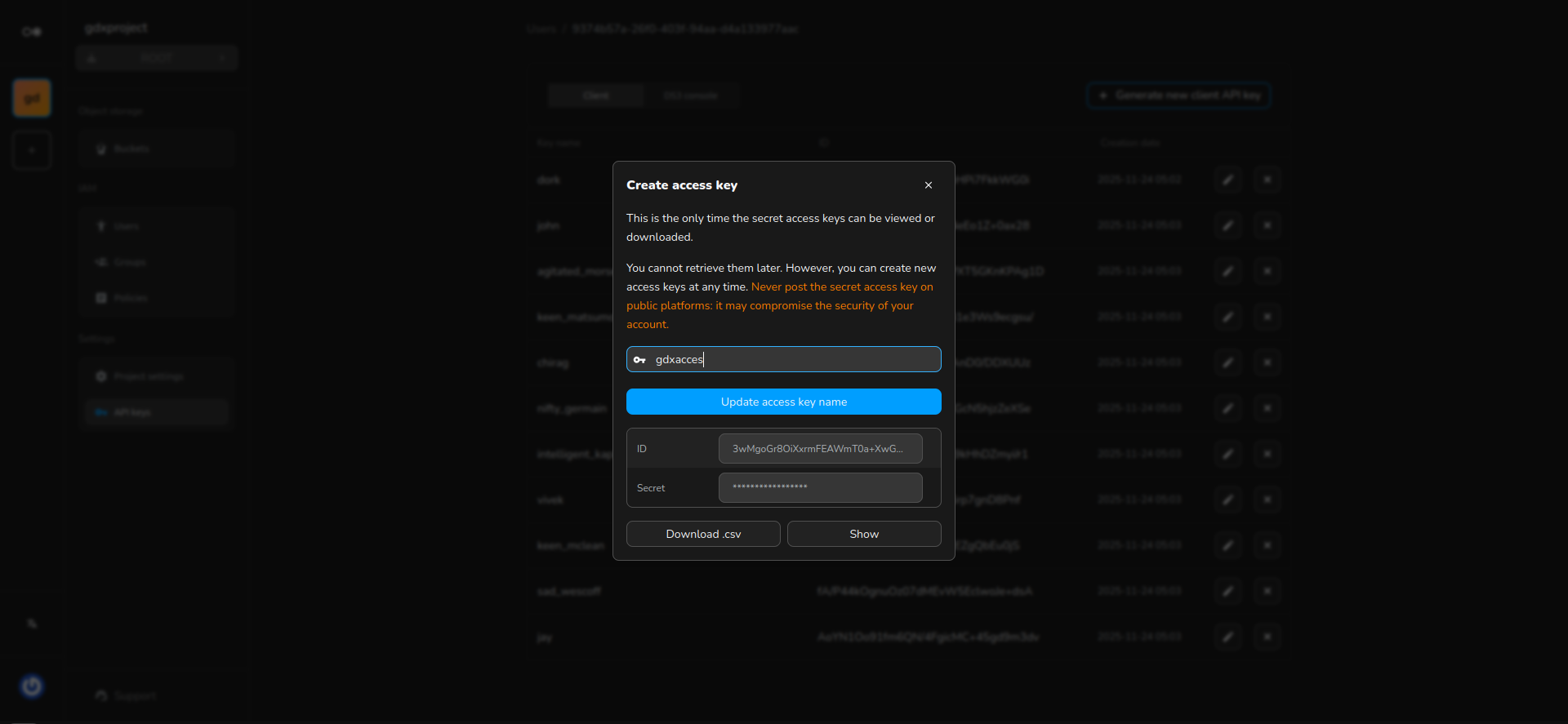
Download the CSV and keep it safe.
Show the Secret key.
Copy and paste it into your client settings.
Rename the key using a specific name to easily remember what it is associated with. You can always rename the Access key by clicking on the button displayed inline.
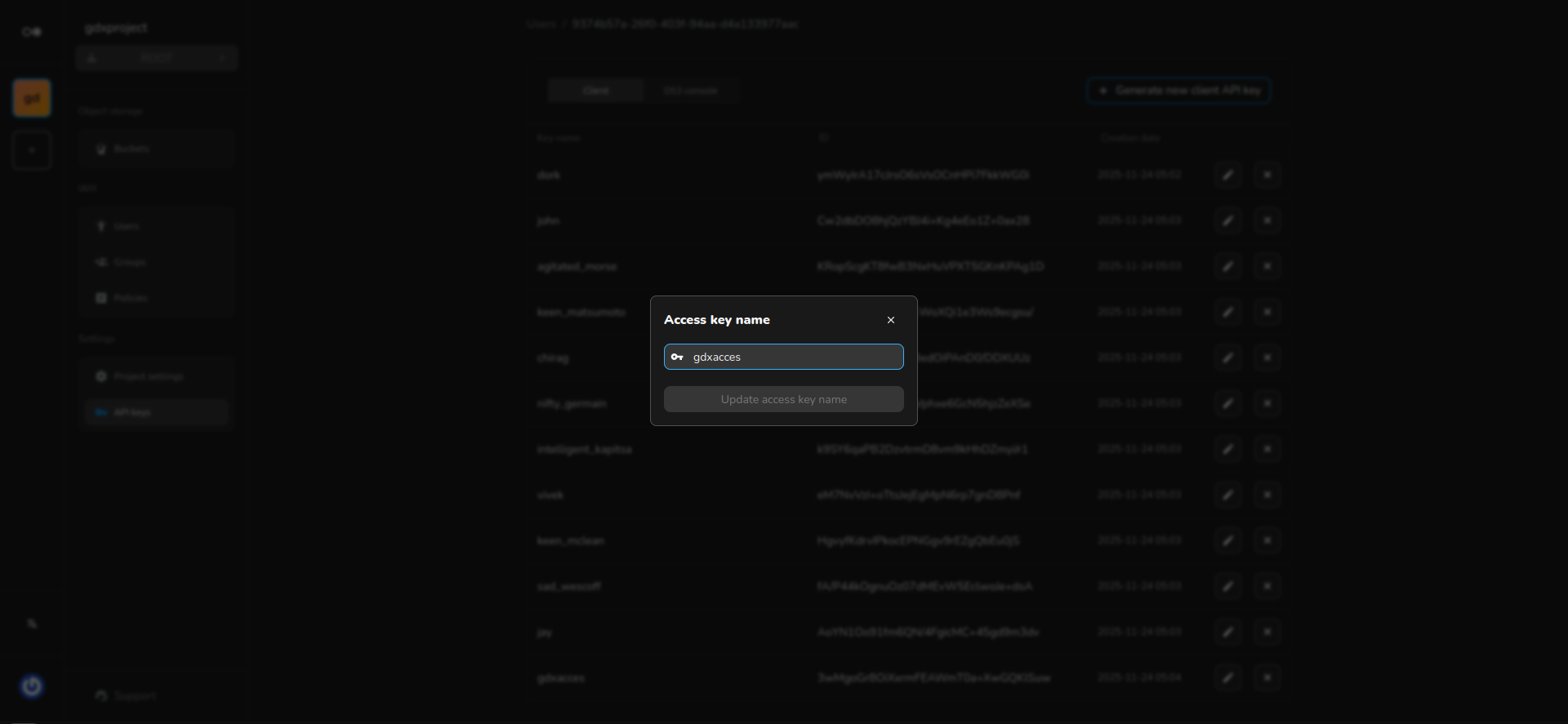
You can generate as many keys as you want.
The API key that grants you access to interact with your buckets and objects will already be included in the list. This key is also needed by the web client for easy interaction. Your session securely stores this key, and it will be automatically regenerated after each sign-in.