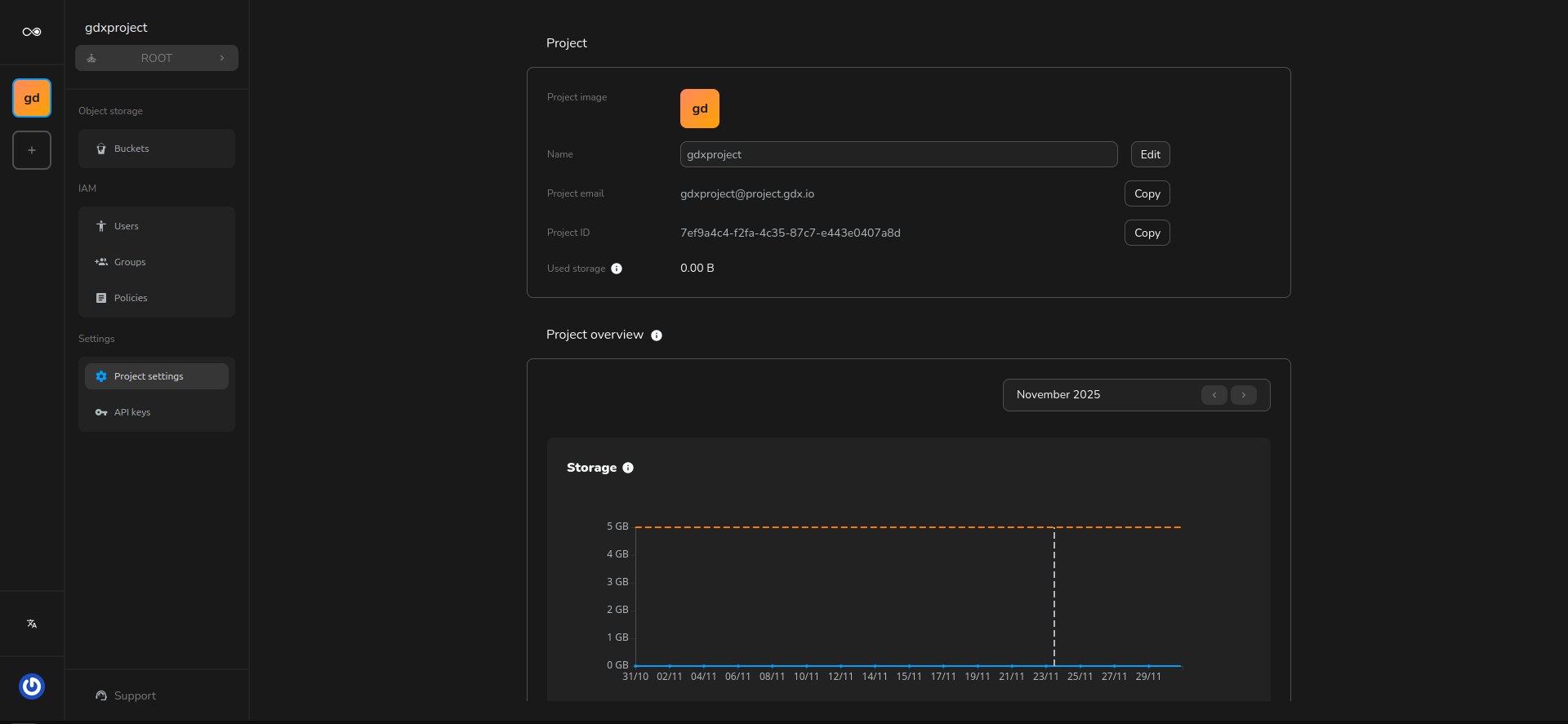
Create a project
Projects are in GDX Cloud the main entities associated with buckets and objects. To access the service, users must create a minimum of one project, since a basic account lacks the required permissions.
Multiple accounts can join the same project and collaborate on the resources associated with it. The user that creates the project is considered the owner of it and will be named the root user of the project. He will always be able to perform any action over the project’s resources.
Root users can collaborate over specific resources not owned by them if they have been granted access to the resource via ACL (Access Control List).
Create your first project
Sign in with your credentials
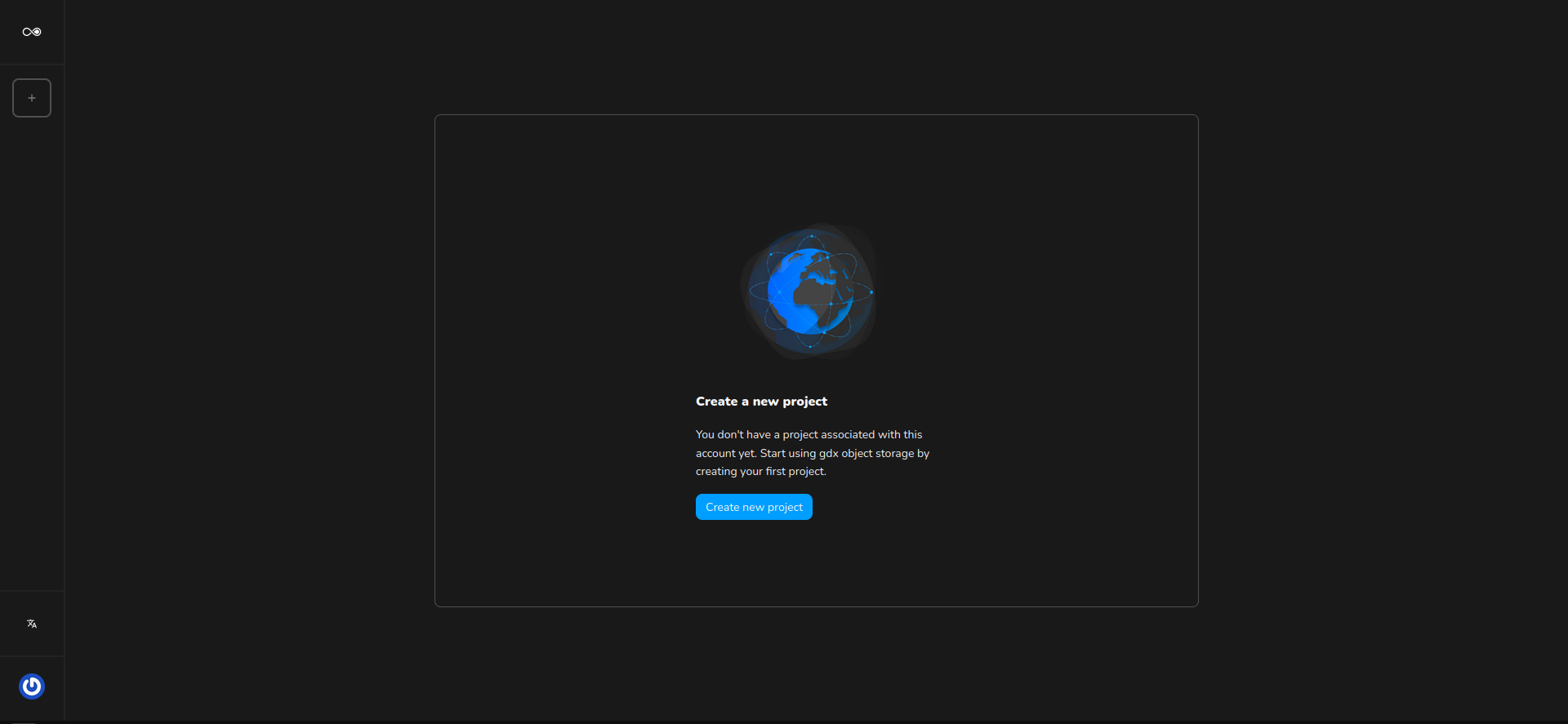
By clicking the button in the sidebar or the main view, you will be redirected to the project creation page
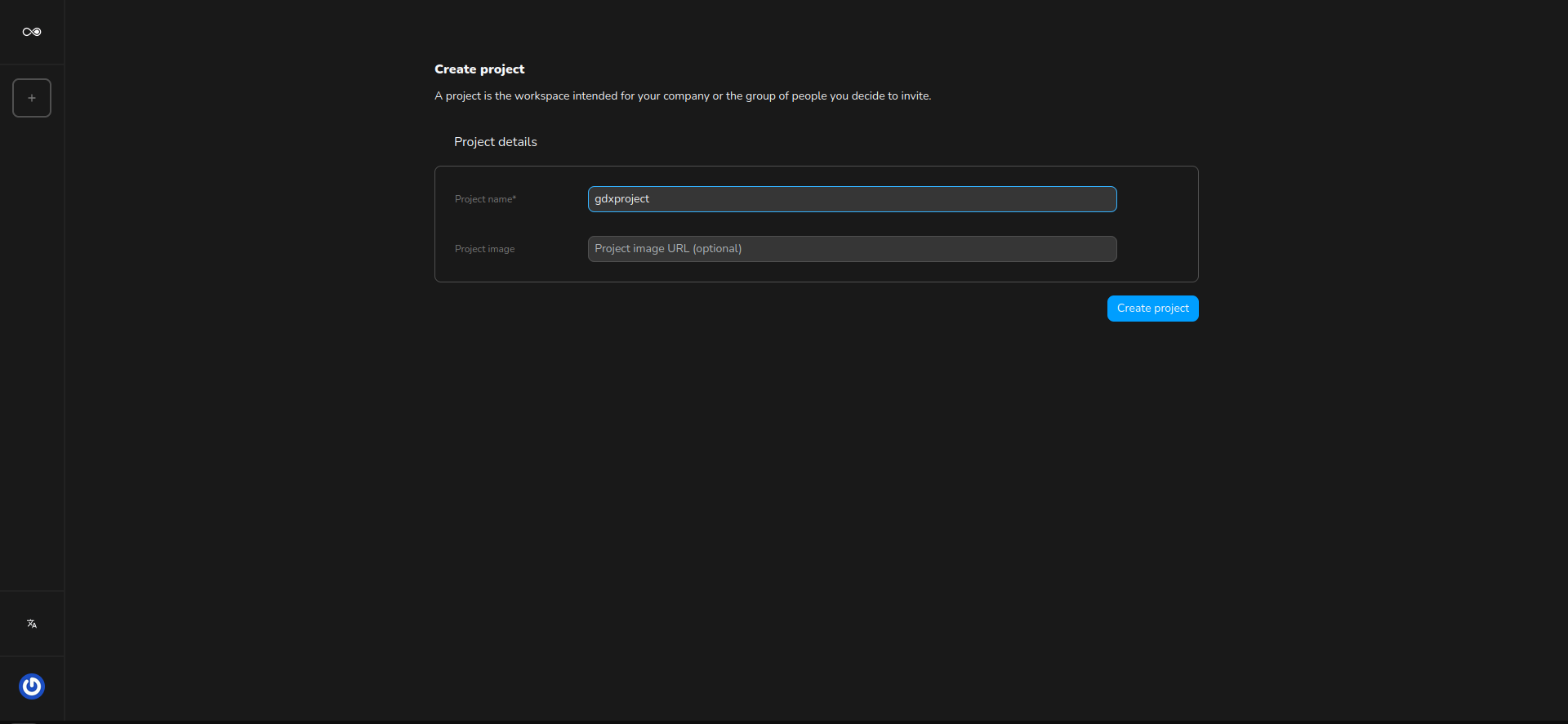
Insert the project name and click Submit
Now that you have created the first project you can start using it on the GDX Cloud web console or using a third-party client
You can retrieve the project references or update the project name in the project settings